Worked example · Handy Orchard
Fit a portrait into an 8 × 10 inch frame
Compare a complete image with borders against a full-frame crop.
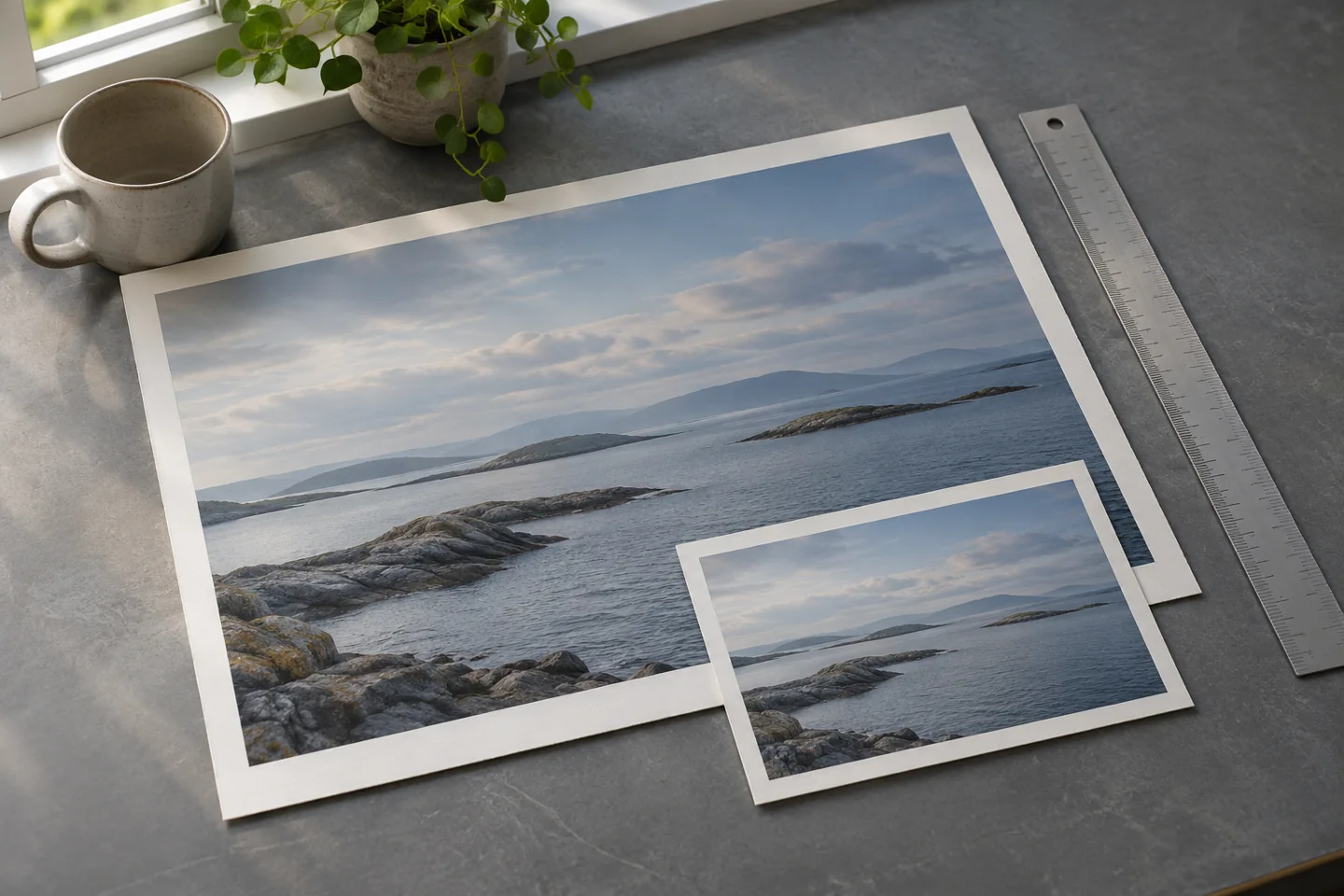
Check the two aspect ratios
A 2400 × 3600 portrait has a 2:3 ratio. An 8 × 10 inch frame has a 4:5 ratio. Those shapes differ, so a full image cannot fill the frame without borders, cropping or distortion. PrintMeasure reports the uncropped print dimensions; it does not perform layout or modify the picture.
Option 1: keep the full image
Fit the 3600-pixel height to 10 inches: 3600 ÷ 10 = 360 PPI. At that resolution the width is 2400 ÷ 360 = 6.666… inches. The 8-inch frame has about 1.33 inches of total horizontal space left, about 0.67 inches on each side when centered. These are image-layout margins, not a printer’s unprintable margins.
Option 2: crop to fill the frame
Keep 2400 pixels of width and crop the height to 3000 pixels to obtain 4:5. At 300 PPI that file prints exactly 8 × 10 inches. You remove 600 pixels of height, one sixth of the original. A centered crop removes 300 from the top and 300 from the bottom; you can reposition the crop to protect the subject.
Check the print service settings
Automatic “fill” settings may crop again, and borderless printers may enlarge slightly beyond the paper edge. A mat can also cover part of the print. Ask for the actual visible opening, required bleed and accepted file format. Preview at the intended dimensions and check faces, captions and signatures near the edges.
To reproduce both options, enter 2400 × 3600 at 360 PPI, then 2400 × 3000 at 300 PPI. Changing the PPI input changes the physical-size calculation only. It does not save a new resolution tag, create pixels, convert colors or make a print-ready file.
Source and scope
The worked figures here are illustrative calculations by Handy Orchard. The provider reference explains the context; your product instructions or shipping agreement take priority.
Adobe: image resolution and printing basics
Who makes these tools
Handy Orchard makes free calculators for everyday planning: buying flooring, sizing a photo print and comparing parcel packaging. We show the inputs, formulas and worked examples so you can check the result before making a purchase.